Balance Sheet Template: Free Download with Examples
Your balance sheet should take minutes to prepare, not hours of staring at a blank spreadsheet wondering where to start. You need a simple template that covers all the essentials without the accounting jargon that makes your eyes glaze over.
Most entrepreneurs skip this crucial financial statement because they think it's too complicated. Wrong move. Your balance sheet shows investors and lenders exactly what you own versus what you owe. It's required for SBA loans, bank financing, and serious investor conversations.
Download the free Excel balance sheet template — includes current vs prior period comparison, auto-calculated totals, a built-in balance check, and a filled-out retail shop example. No email required.
What's Actually in a Balance Sheet Template
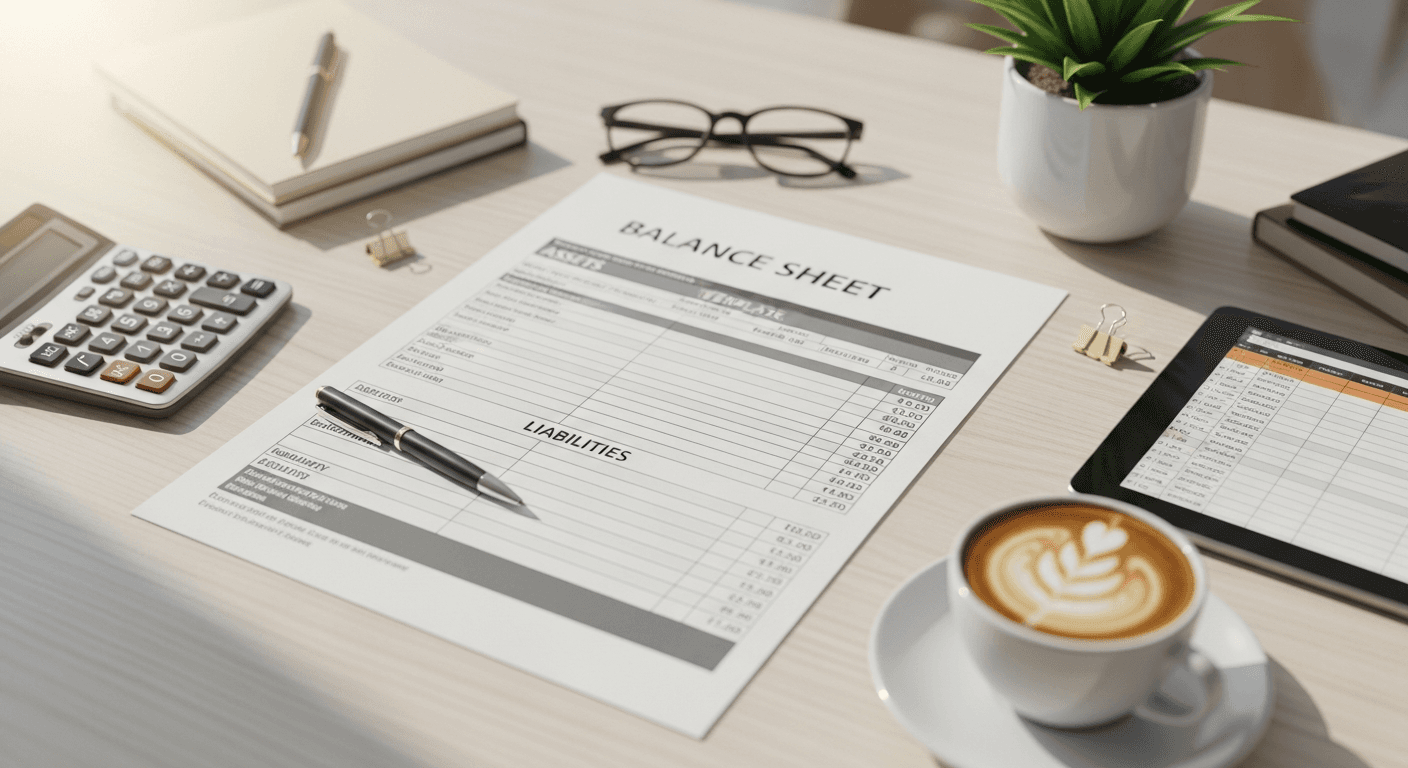
You don't need to reinvent the wheel here. Every balance sheet follows the same basic formula: Assets = Liabilities + Equity. That's it.
Assets are what your business owns. Cash in the bank, equipment, inventory, money customers owe you. List current assets first (stuff you can turn into cash within a year), then fixed assets like equipment and property.
Liabilities are what you owe. Credit card debt, loans, unpaid bills, money you owe suppliers. Again, current liabilities (due within a year) go first, then long-term debt.
Equity is what's left over. If you sold everything and paid all your debts, this is what you'd have. For corporations, this includes stock and retained earnings. For sole proprietors, it's just owner's equity.
Skip These Common Template Mistakes
Don't make your balance sheet more complicated than it needs to be. You'll see templates online with dozens of line items that only apply to massive corporations. Most small businesses need maybe 10 to 15 categories total.
You don't need separate lines for "Office Equipment" and "Computer Equipment" unless you're running a tech company. Just use "Equipment" and move on.
Skip the fancy formatting that breaks when you add numbers. You want something that actually works, not something that looks pretty but crashes Excel every time you update it.
Essential Categories for Your Template
Current Assets:
- Cash and cash equivalents
- Accounts receivable
- Inventory
- Prepaid expenses
Fixed Assets:
- Equipment
- Vehicles
- Property
- Less accumulated depreciation
Current Liabilities:
- Accounts payable
- Credit cards
- Current portion of long-term debt
- Accrued expenses
Long-term Liabilities:
- Loans payable
- Notes payable
Equity:
- Owner's equity (or paid-in capital for corporations)
- Retained earnings

Why Your Numbers Need to Balance (Obviously)
Your total assets must equal your total liabilities plus equity. If they don't match, you made an error somewhere. Excel can help catch this with a simple formula that flags when things don't add up.
You can't fudge this math. The balance sheet gets its name because it has to balance. Period.
This isn't busy work. Lenders use your balance sheet to calculate debt-to-equity ratios and determine if you're a good credit risk. Investors want to see if you're managing cash flow properly and building real value.
When You Actually Need This Document
You'll need a balance sheet for any serious business conversation involving money. Bank loan applications require one. SBA loan packages definitely need one. Investor pitches should include it in your financial projections.
Even if you're not seeking funding, prepare one quarterly. It shows you exactly where your money is going and whether you're building wealth or just staying busy.
With the global accounting software market projected to reach $42.17 billion by 2032, more businesses are digitizing their financial tracking. But you still need to understand what goes where, regardless of whether you're using software or a simple spreadsheet.
Getting Your Template Right the First Time
Grab the free template here if you haven't already, then customize it for your industry. A retail business needs detailed inventory tracking. A service business might skip inventory entirely but need more detailed accounts receivable.
Update it monthly, not once a year when your accountant asks for it. Monthly updates catch problems early and keep you aware of your financial position.
Your balance sheet connects directly to your other financial statements. The cash number should match your cash flow statement. Your retained earnings should tie to your profit and loss statement. If you're building comprehensive financial projections, these pieces need to work together.

Related Guides
Templates vs. Professional Financial Planning
Free templates work great for basic tracking and loan applications. But if you're preparing investor materials or building detailed financial projections, you need something more sophisticated.
Your balance sheet should be part of a complete financial picture that includes income statements, cash flow projections, and scenario planning. That's where tools designed specifically for business planning make the difference.
Ready to build professional financial projections that include balance sheets, income statements, and cash flow forecasts? PlanArmory's financial projections tool creates investor-ready financial statements in minutes, not hours of Excel wrestling.