Business Model Generator: Free Tools to Build Your Model
You've got a great business idea, but turning it into a clear, workable model? That's where most founders get stuck.
Skip the expensive consultants and complicated frameworks. You don't need to spend weeks sketching on whiteboards or hire someone for $2,000 to $20,000. Free business model generators can help you map out your entire business in under an hour.
What Is a Business Model Generator?
A business model generator is a digital tool that helps you create a visual map of how your business works. Think of it as a template that guides you through the key questions: Who are your customers? How do you make money? What resources do you need?
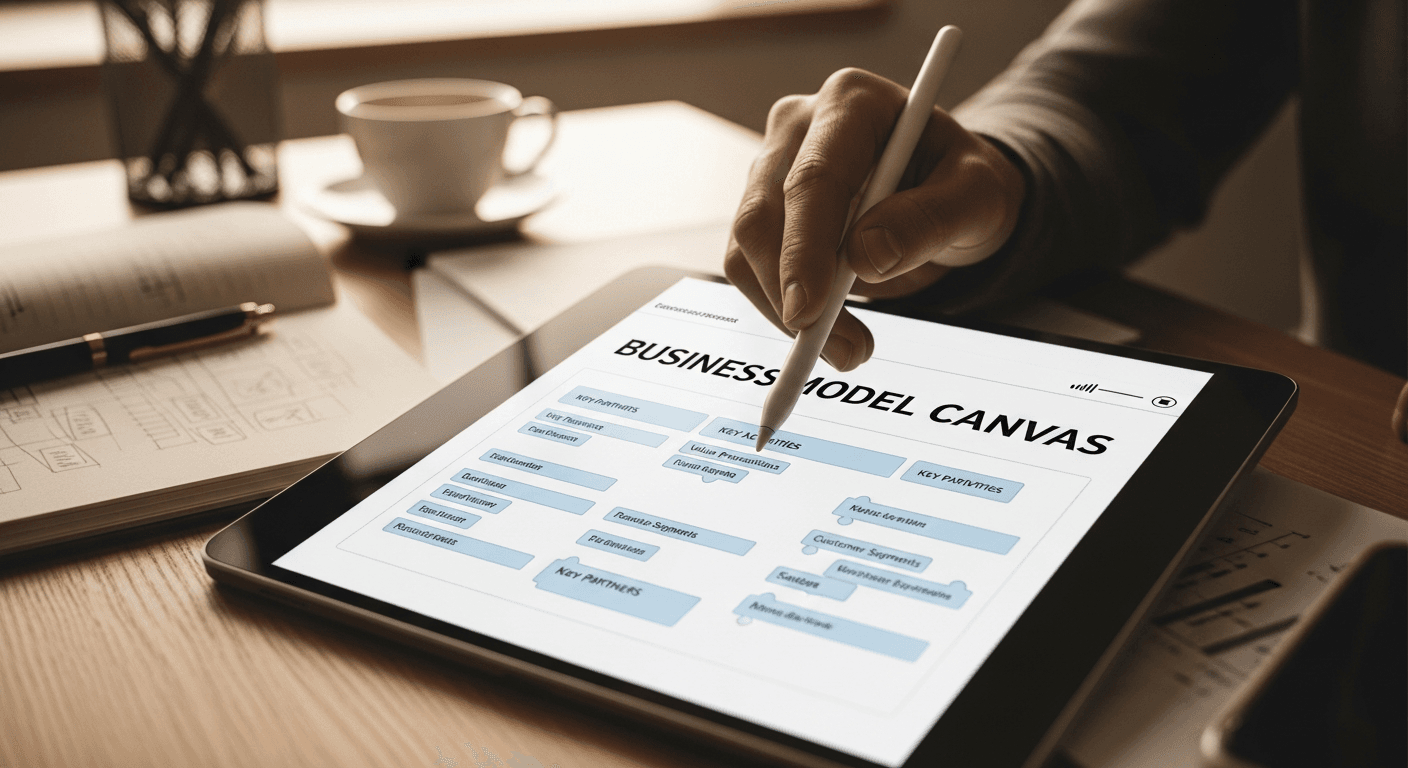
Most generators use the Business Model Canvas format, which breaks your business into nine building blocks. You fill in each section, and the tool creates a one-page overview of your entire business model.
The best part? You can test different scenarios without starting over. Change your revenue model or target customer, and see how it affects everything else.

Best Free Business Model Canvas Generators
Canvanizer
Canvanizer has been helping over 2 million users worldwide since 2011. It's completely free with no hidden costs or usage limits.
You can create multiple canvases, collaborate with team members, and export your finished model as a PDF. The interface is clean, and you won't hit paywalls after your first canvas.
Canva Business Model Canvas
Canva's business model canvas creator gives you free templates with their signature design polish. If you're already using Canva for other business materials, this keeps everything in one place.
The templates look professional enough for investor presentations. You can customize colors, fonts, and add your logo without design skills.
Strategyzer
Strategyzer offers a free version of their business model canvas tool. You can create your canvas online and export it as a PDF instantly. The platform fills in all nine building blocks and lets you visualize your business model completely.
The free tier has some limitations, but it's enough to create a solid first draft of your business model.
Why Use a Business Model Generator Instead of Starting from Scratch?
You'll save hours of formatting and second-guessing. The canvas structure forces you to think through every part of your business, not just the exciting parts.
Free generators also let you experiment without commitment. Test a subscription model versus one-time payments. See how different customer segments change your value proposition. Make mistakes early when they're cheap to fix.
The visual format makes it easier to spot problems. When you see all nine blocks together, you'll notice if your revenue streams don't match your customer segments, or if your key activities don't support your value proposition.
How to Use a Business Model Generator Effectively
Start with your value proposition, the center of your canvas. What problem do you solve, and how do you solve it better than alternatives?
Work outward from there. Who has this problem? (Customer segments.) How will you reach them? (Channels.) What relationship do they expect? (Customer relationships.)
Then move to the operational side. What key activities must you do well? What resources do you need? Who are your key partners?
Finish with the money. How will you make money? (Revenue streams.) What will it cost to run this business? (Cost structure.)
Don't try to perfect each section. Fill in your best guess, then iterate. Your first canvas won't be your last.

When to Move Beyond Free Tools
Free generators work great for initial planning and validation. But you'll eventually need more detailed financial projections, market analysis, and operational planning.
That's when you need a full business plan, not just a business model canvas. The canvas gives you the foundation, but investors and lenders want to see the math behind your model.
If you're applying for funding or launching soon, you'll need projections that show monthly cash flow, break-even analysis, and growth scenarios. Free canvas tools don't handle this level of detail.
Common Mistakes to Avoid
Don't confuse a business model with a business plan. The canvas shows how your business works, but it doesn't include financial projections, market research, or competitive analysis.
Avoid filling in sections just to complete the canvas. If you don't have key partners yet, leave it blank. Empty sections tell you what to figure out next.
Don't set it and forget it. Your business model should evolve as you learn more about your customers and market. Update your canvas quarterly, especially in the early stages.
Start Mapping Your Business Model Today
Pick one of the free tools above and spend 30 minutes filling out your first canvas. Don't overthink it. The goal is to get your ideas out of your head and onto paper.
Once you've got your business model mapped out, you'll probably want to dig deeper into the financial side. PlanArmory can turn your business model into a complete business plan with financial projections in under 60 seconds. Just answer seven questions about your business, and get a professional plan ready for investors or lenders.
Related Resources: